

How To Create A Toast In Android
Creating Custom Toast in Android 🌈

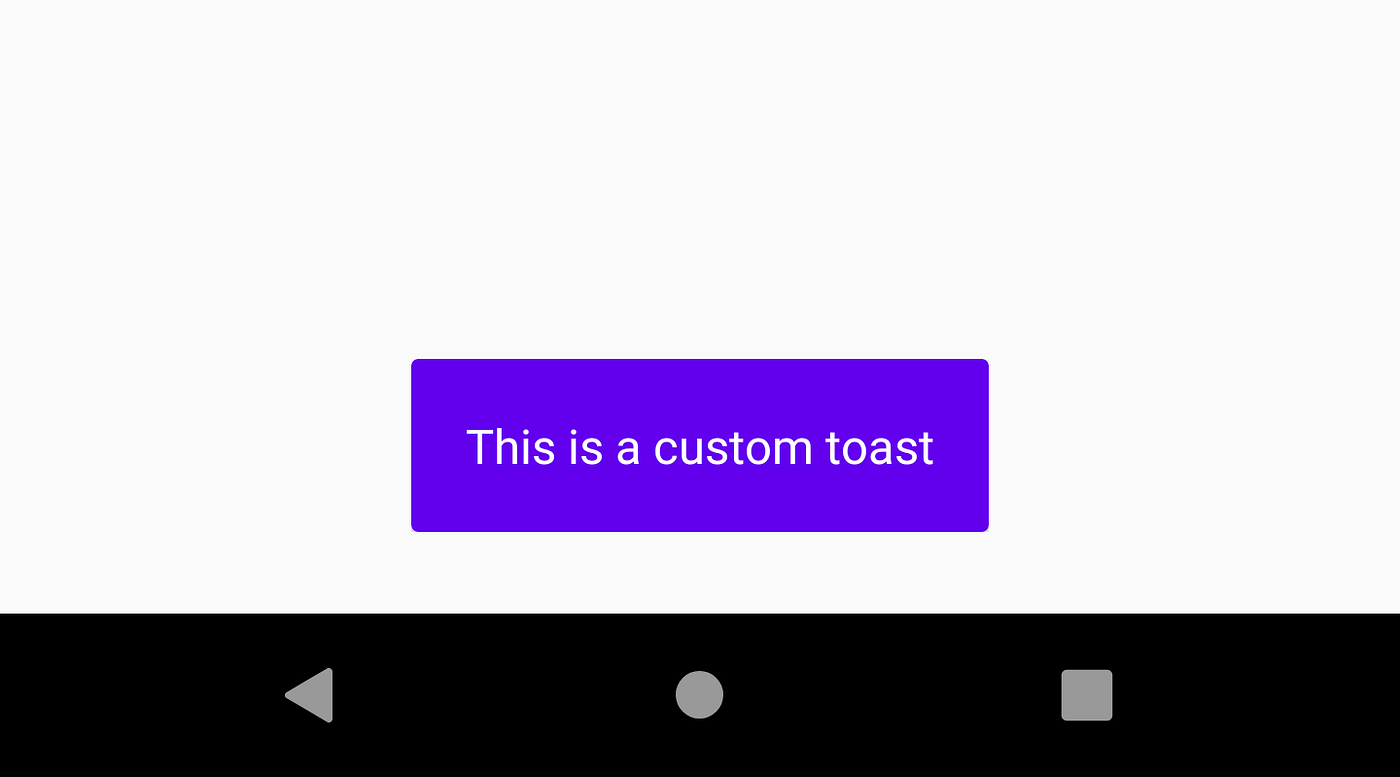
Toast is a frequently used UI element in app development for displaying or prompting some message to the user in a gentle way. Improving the quality of our toasts can go a long way in improving the user experience of the app. We can only do so by creating custom toasts as only then we have total control over its appearance.
In this article, I am going to show you an example of how you can create a custom Toast in your application.
For creating custom toast, the procedure in brief (we'll see in detail in a minute) is that we create a custom layout, inflate that layout and set that view to our Toast object and ultimately show it. So let's go step-by-step :
Step 1: Creating our custom toast layout
- Create a new layout resource file in your res/layout folder. Name the layout file as
toast_layout.xml. - So our layout is basically going to be a toast with a colored background and white text (You can customize it according to your requirement, maybe put an icon with it). So the code for the same is below:
Step 2: Inflate the created layout
- To inflate the layout we created i.e.
toast_layout.xml, we'll make use ofLayoutInflaterclass to inflate our layout and get a view for the same. - In your activity, create a method named
showToast(String message)inside which will reside all the toast creation code.
void showToast(String message) { }
- Now put the layout inflation code in this method like below:
                      void                        showToast(String            message) {
            View            view =            LayoutInflater.from(MainActivity.this)
            .inflate(R.layout.toast_layout,            null);
}
Step3: Creating the Toast object and showing it
- This is the final step where we bind the view to our toast object, set its context and finally show it. So lets create a
Toastobject in the same method like below and pass a context to it.
Toast toast = new Toast(MainActivity.this); - We need to actually set our message to our
TextViewbefore we finally set the view to our Toast and show it
                      TextView            tvMessage = view.findViewById(R.id.tvMessage);
tvMessage.setText(message); - Finally set the view for our toast and show it!
          toast.setView(view);
toast.show(); - Your method should look something like this:
Call this method wherever you'd like to and the screen should show a Toast like below:

You can of course customize the Toast however you want by playing around with gravity, duration , layout etc, the above is just an example.
Some of the Toasts which I was able to accomplish are below:
All these are totally achievable, you just need to design the layout accordingly. But if you don't want to do all the verbose work, I got something for you.
I created this library named "TastyToasty" which helps you create custom Toasts of your own and also the Toasts like above using simple one liners :
How To Create A Toast In Android
Source: https://levelup.gitconnected.com/creating-custom-toast-in-android-4f7fbcb14bf0
Posted by: baileydoopeas.blogspot.com
0 Response to "How To Create A Toast In Android"
Post a Comment